
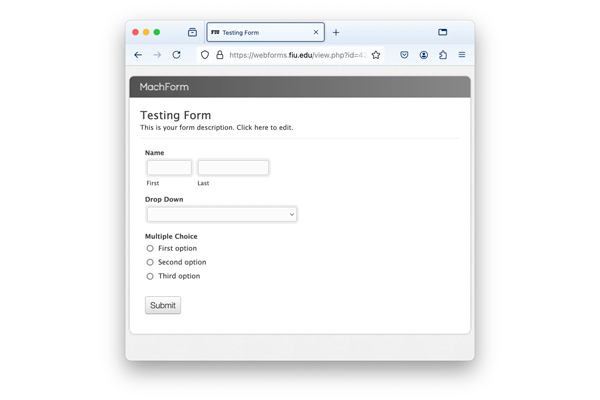
Are you an FIU Webforms user creating the same form over and over again? Have you wished you could start from a template to save time? Thankfully, you can!
Webforms has an option to export your form's structure as a JSON file, a common data type used across the web to create reusable form templates.
With this exported file, you can easily import the structure from a previous form as a starting point for your new form.
Unfortunately, only system admins are able to export form structures.
If you want to export your form structure, send an email to digimaint@fiu.edu with the request and include a link to the form you want us to export.
Importing your Template Form
Once we've delivered your form structure, you can create a new form using the Import from Template function.
Just log in to webforms.fiu.edu, and in the top-right corner, you’ll see the Create New Form button with an import icon button next to it. It looks like a box with an arrow pointing down.

Click on the import button and a menu will pop up asking to import the form template.
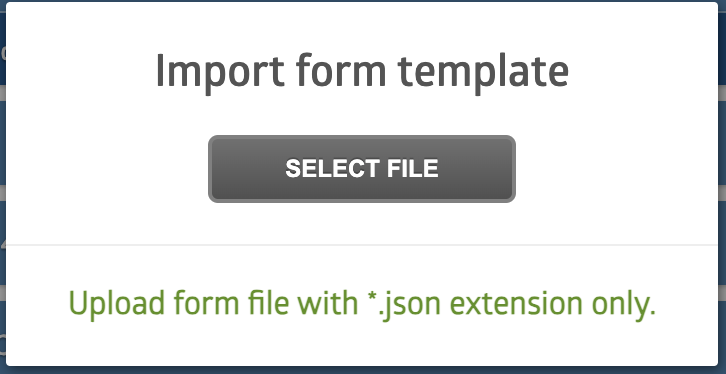
Select your JSON file, and import the form template.
This may take a few seconds, but after a short time of uploading, you should see a confirmation screen with an option to edit the form.
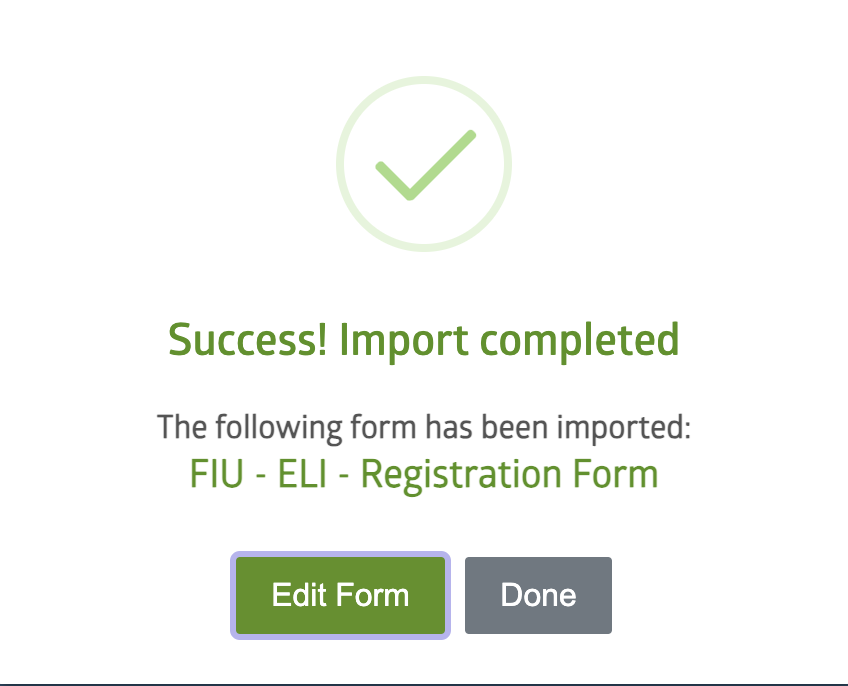
And that's that! While this post is specifically about creating a reusable form template, we should note Webforms also has a duplicate function. But that isn't helpful if you or one of your team members deleted the last version of the form. Stick to these form templates for a sure-fire way of creating forms faster.
Some quick reminders about Webforms
- Webforms is self-service. DigiComm is here to help, but we typically do not debug individual forms.
- If you're interested in creating a form and need help from the Office of Digital Communications for making your form successful, you can start a project with the DigiComm team. Make sure to describe the project in detail.
- General issues and questions can be sent to digimaint@fiu.edu.