


Example of a good profile photo.
Just like a welcome mat greets visitors, your profile page sets the tone for your online presence. A good headshot helps establish that first connection. Profiles feel incomplete without a headshot. When prospective students, faculty or staff see a profile, they want to match a name with a friendly face.
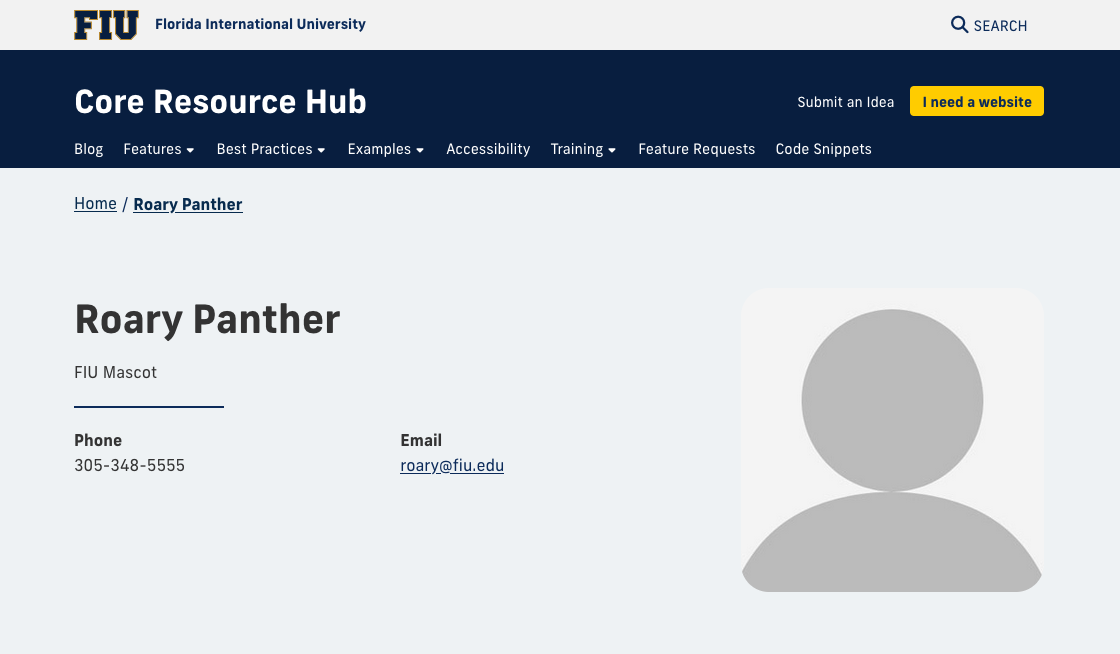
When you create a profile in Cascade, some fields are filled with placeholders, including the profile photo. By default, this appears as a gray silhouette headshot, serving as a placeholder image.
Leaving the placeholder in place can make a profile feel incomplete. Seeing too many profiles with placeholder images on a directory or faculty page can make it seem that no actual people work there.
Anatomy of a good headshot
In faculty and staff directories, users expect to see real people, not placeholders. A clear, up-to-date photo makes a stronger first impression and helps visitors connect with faculty and staff.
High-quality image
Your photo should be in focus, high-resolution and well-exposed so your features are crisp and professional. Blurry or low-quality images look unpolished.
Good lighting
Lighting can make or break a headshot. Soft, natural light highlights your face and avoids harsh shadows, keeping you approachable and professional.
Composition and framing
Headshots are typically cropped from around mid-chest to just above the head. Position your eyes about one-third from the top of the frame to balance the image.
Good posture
A confident but relaxed posture conveys authority and poise. Shoulders slightly back, head forward, and a natural stance help make the photo feel engaging.
Clean background
A simple or softly blurred background ensures the focus remains on you, not what's behind you. Neutral tones work best for professional settings.
Appropriate wardrobe
Wear solid colors or simple patterns. Darker colors help keep the focus on your face. For medical doctors or researchers, we recommend wearing a white coat over business casual attire.
Follow brand guidelines
When representing FIU, make sure your headshot doesn’t include logos from other universities, sports teams or organizations. Keeping the focus on you and the university helps maintain a consistent and professional look across the site.
These headshots check all the boxes



- Clean, well-lit background
- Professional attire
- High-quality photo; taken by a professional photographer
Get the photo first
Before creating a faculty or staff profile, make sure you have a headshot ready. The photo should be in JPG or PNG format (less than one megabyte), so it looks sharp and professional on the website. Square images work best for profile photos and should be large enough to display clearly, at least 500×500 pixels, without appearing blurry or pixelated.
Avoid screenshots, photos pulled from social media, images that are too small and selfies. Using the correct file size and format ensures your headshot loads quickly and looks great on all devices.
A strong headshot makes a big difference in how your profile is seen. It helps visitors put a face to a name and shows that real people stand behind the work being done at FIU. By using a clear, well-lit photo that follows these best practices and guidelines, you help create a more welcoming and professional website.