
The march of progress is unstoppable. The latest Core Release is here with new features and old fixes.
For starters, you can now see Font Awesome icons directly in the editor, so you'll know how they'll look on the page without having to submit or preview your draft.
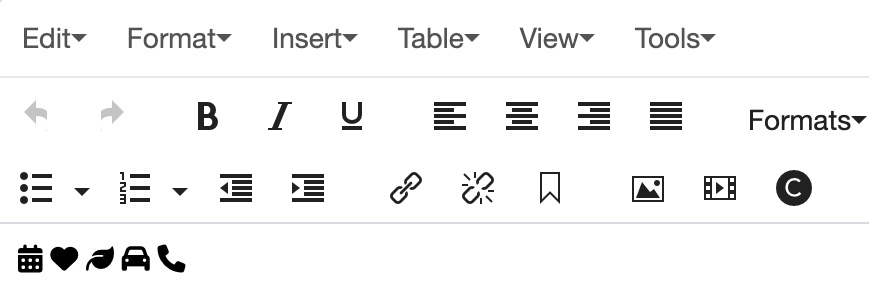
Font Awesome has been a helpful resource when creating pages, as the baseline version is free. Icons are a great way to communicate an idea or purpose behind a module, so we recommend using them where you can.
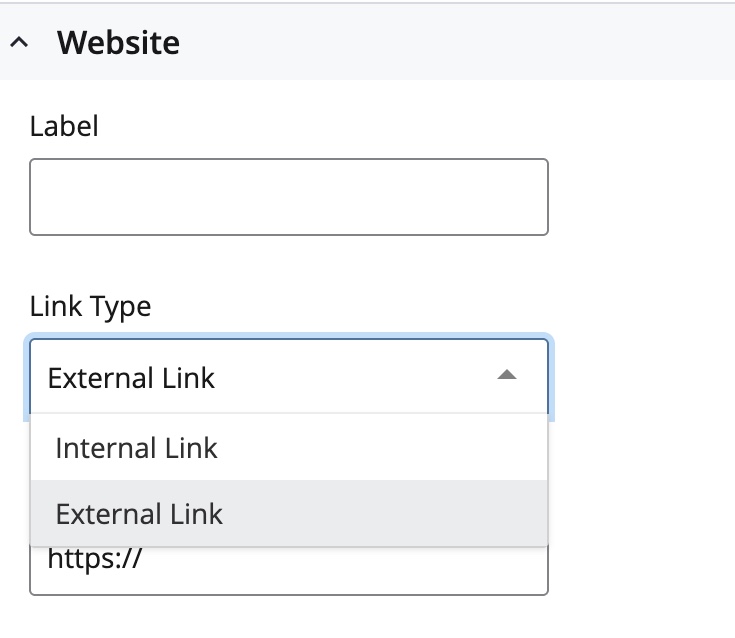
Adding external links to profiles just got a little easier. We updated the Website dropdown so you can now select between internal and external links, rather than manually changing the field from internal to external.
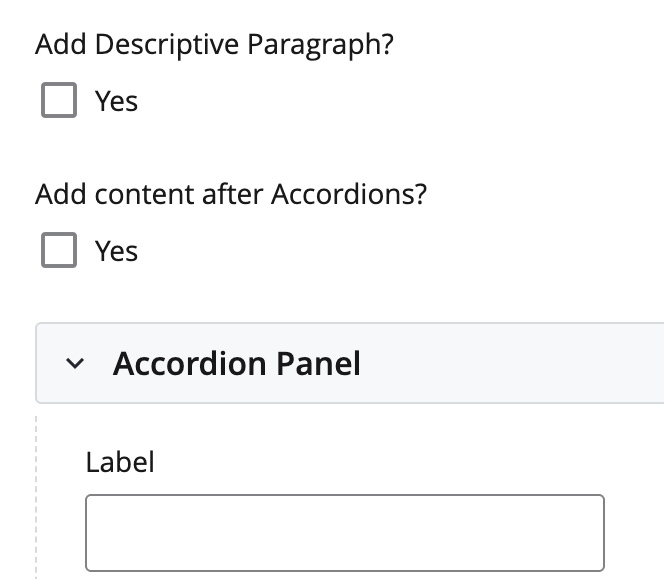
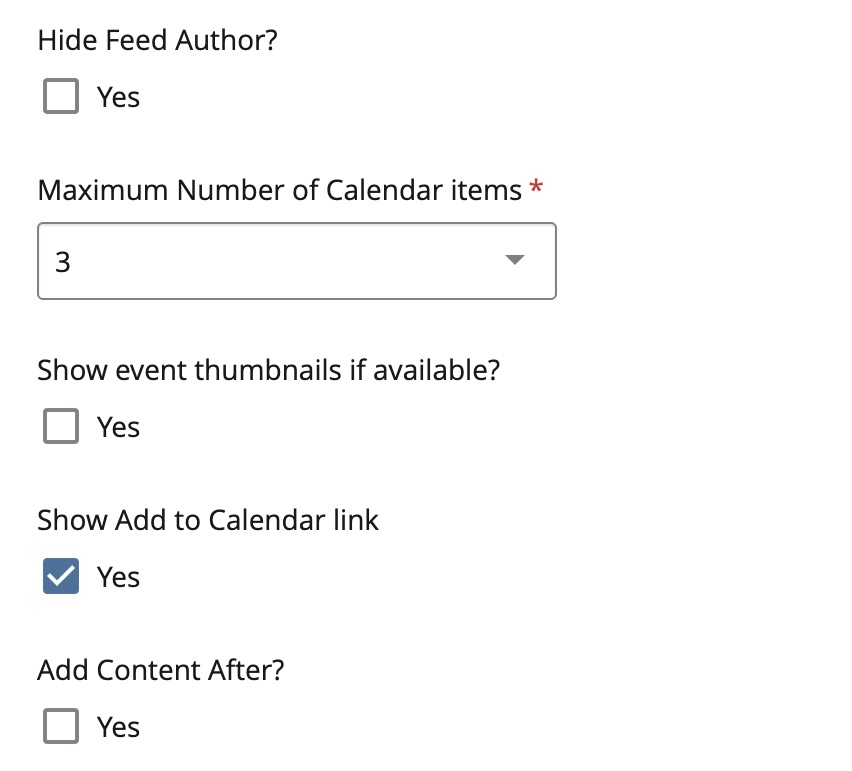
You can now add content after the Accordion and Calendar modules, giving you more flexibility in how you structure content on your pages.
We saved the best for last. We updated the FIU logos in the brand bar and footer to reflect the new FIU Gold and adhere to the Brand Style Guide.

Improvements
- Updated the FIU logos in the header and footer to reflect the new FIU Gold
- Added external link functionality to profiles
- View Font Awesome icons directly within the editor
- Added the add content after option for the Accordion and Calendar modules
- Updated the ADA accommodation language on Event pages
Bug Fixes
- Blog posts that have yet to be published will no longer appear in the blog listing and feed
- Fixed an issue with using the back button in searchable interfaces
- Pipes in the compact footer are no longer hyperlinked