


The importance of social images
Have you ever been sent a link and been immediately curious about the website? That's the power of a social share image, also known as an open graph image. It gives people a visual snapshot of your link before they even click. It's also the first interaction with a new website when a link is shared.
Social share images are effective on social media platforms and internal messaging services like Microsoft Teams. You want your link seen and understood while staying on brand.
Where you will see social share images
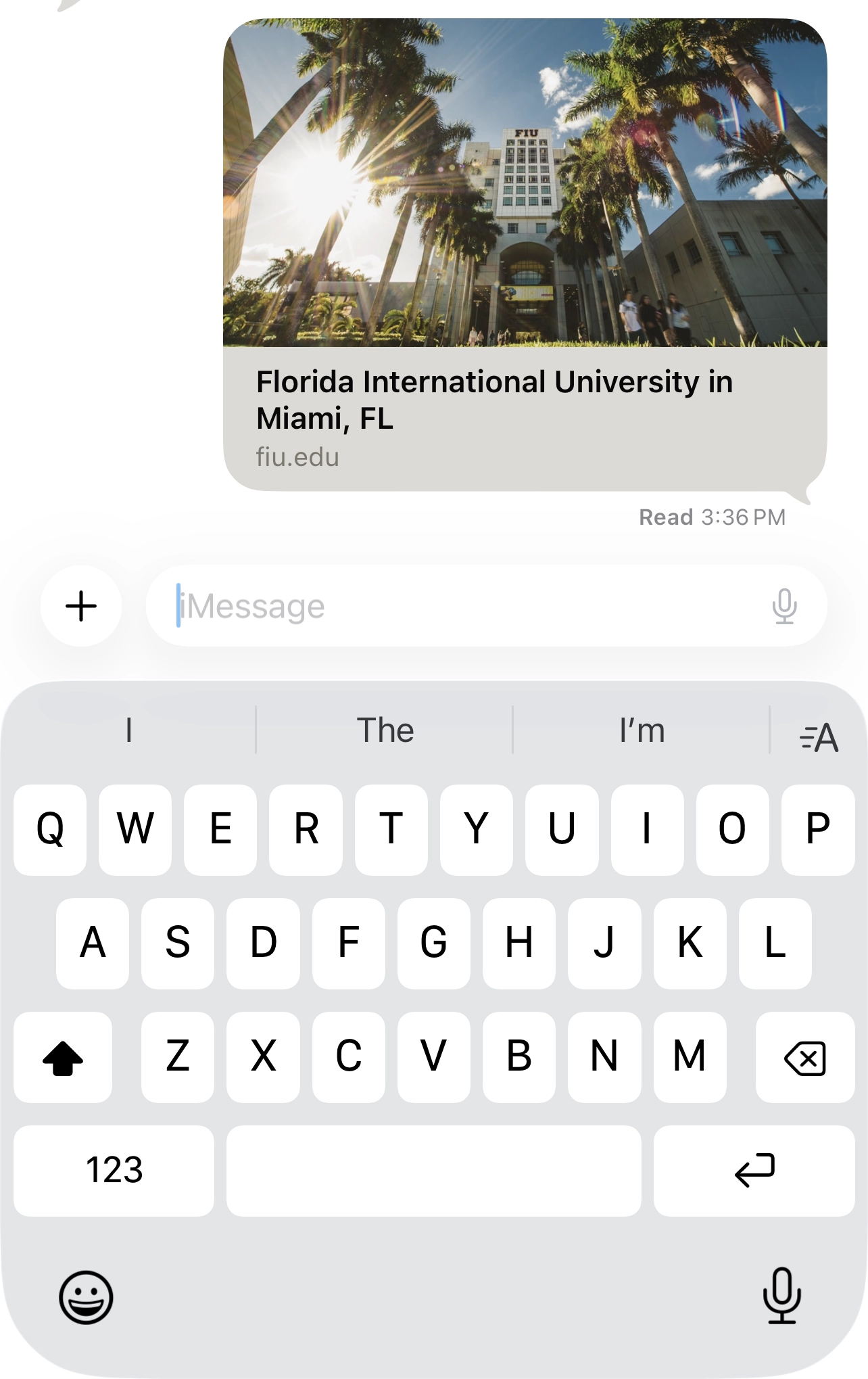
Social share images appear far beyond just site previews or Facebook links. Email services like Gmail and Outlook generate preview cards when links are pasted into emails or newsletters. Workplace platforms like Microsoft Teams and messaging apps like iMessage or WhatsApp automatically generate link previews.
They show up in:
- Social feeds
- Text messages
- Emails
- Workplace tools
- Discovery platforms
Where to get inspiration
Think about the thumbnails that catch your attention when you're scrolling. People need to understand your message at a glance, so keep visibility in mind when designing. Design with intention to create a visually compelling thumbnail and get the end user interested.
Inspiration Locations
- Major social media accounts from similar brands
- Corporate marketing campaigns
- Social share blogs
Use this basic checklist when designing:
- Font size (usually larger than you expect)
- Contrast (consider using a dark overlay on the image)
- Text hierarchy (focus on one bold, clear statement)
- Logo placement (small but visible)

Default image vs. page-specific image
Be clear about what you're creating. Is this a default social cover image for your main website, or is it for a specific page or post? Make sure your image fits the subject matter.
Where to design your social share image
The easiest places to design your social share image are Canva or Adobe Photoshop. Canva allows you to produce images quickly and efficiently. Your image should be easy to read, even at a small size.
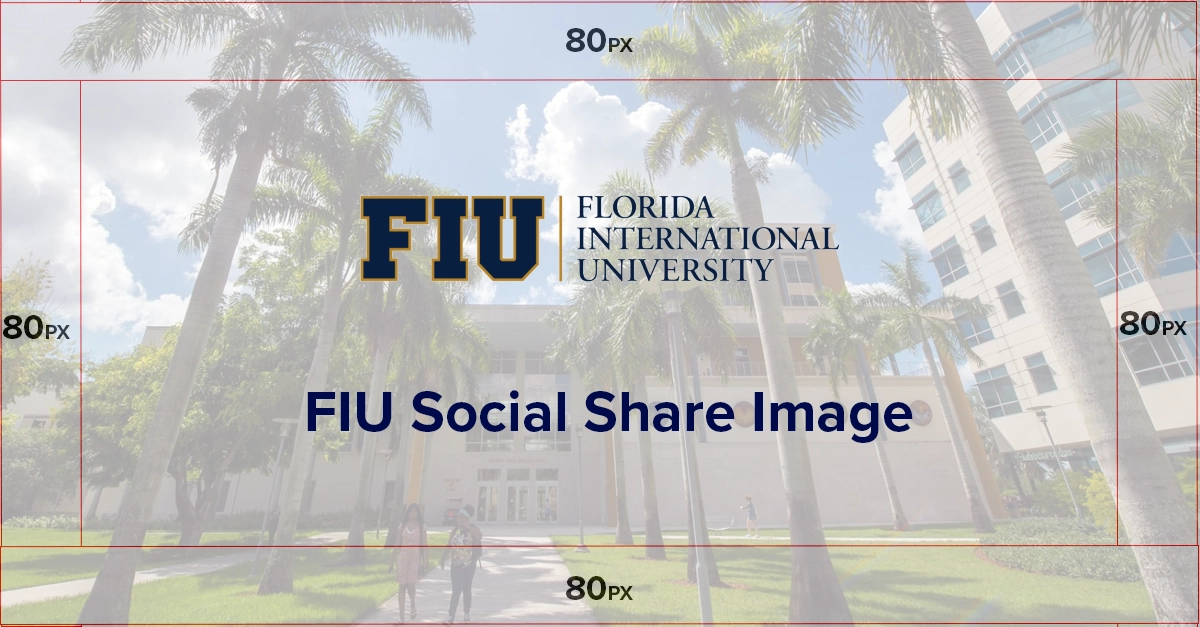
You social share images should be using high-resolution, branded visuals and be 1200 x 630 pixels.
Where to test your social share link
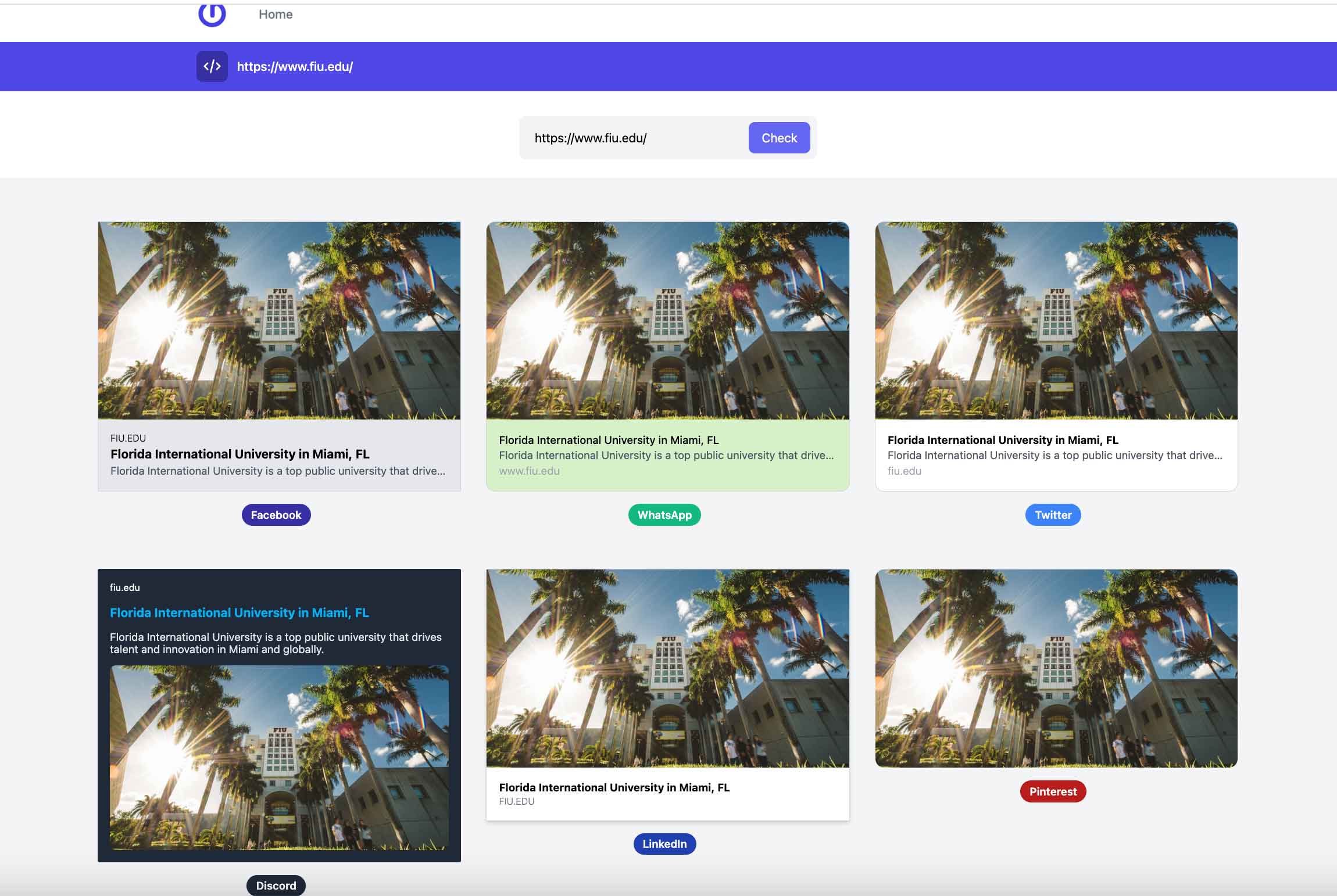
Once your link is ready, paste into sites like OpenGraph.dev.
It's a great way to test privately before the link is officially posted. You will see different test images of your site in action.
According to OpenGraph.dev, your social share image should be at least 1200 pixels wide. Meta and other platforms use 1.91:1 ratio images to display the full image in your feed with enough visual accuracy
SEO and meta tags are important to include with the social share image. This encourages engagement. They help social platforms understand the content of the page and display the image correctly when the link is shared. Proper metadata can also improve click-through rates by making posts more visible and appealing in feeds. According to Google, well-structured metadata helps search engines and platforms better interpret and present web content.
So, remember: your social image can be the first interaction a user has with your content. Make sure to make that first look impactful with a well-executed, content-specific preview image. And don't forget to test it!