
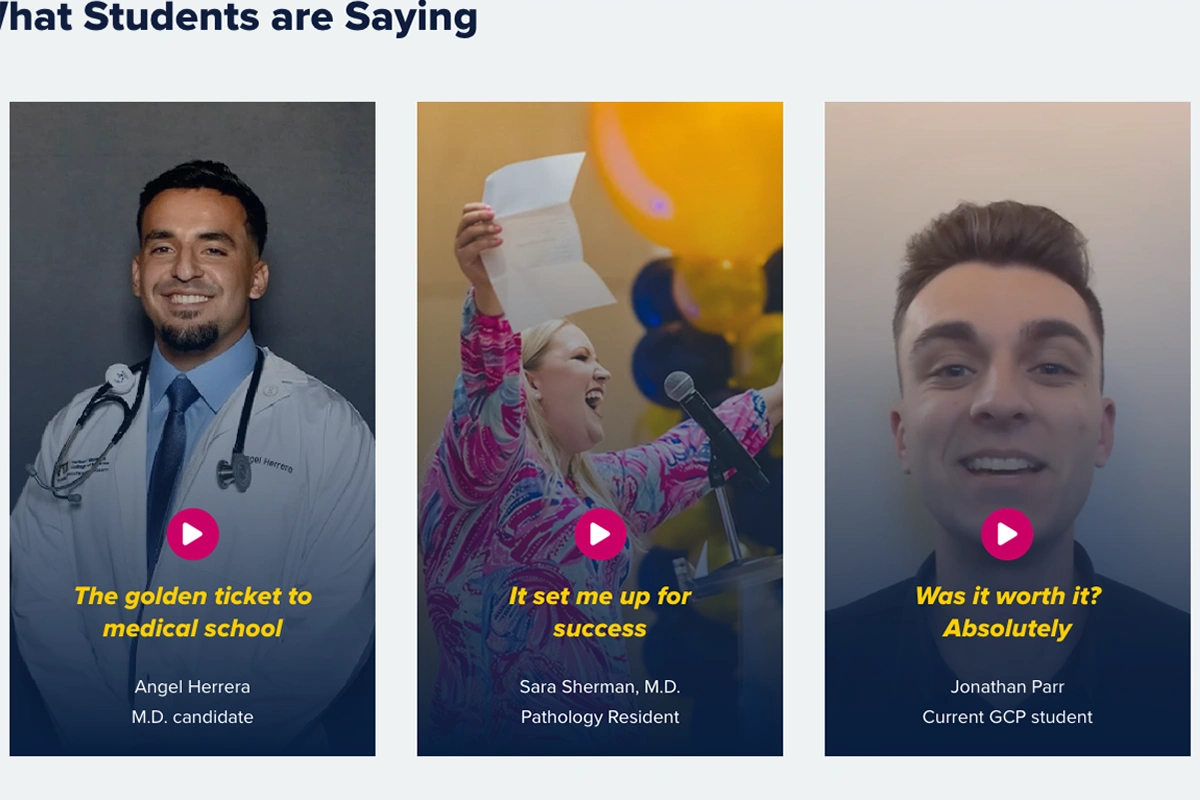
By the time a prospective student visits your program page, they’ve probably read the same copy on several other websites. You want your page to stand out. A testimonial video gives them something no program description can: a student, who was in their shoes, telling them it was worth it.
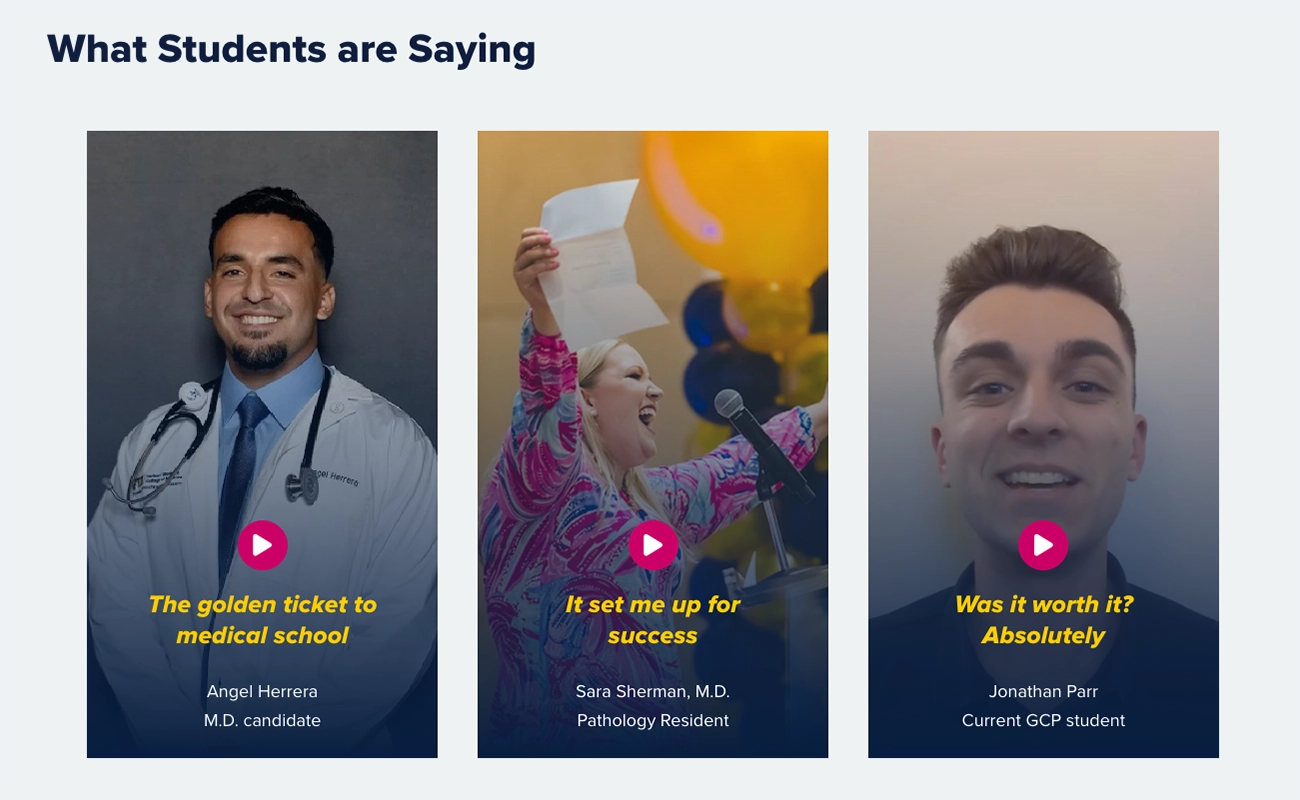
Prospective students trust other students more than they trust your content. Research from Massive.io found that 81 percent of consumers trust user-generated content (UGC) more than professionally created brand content. A student testimonial carries more weight than anything your institution writes about itself.
That matters most when someone is close to a decision. At that stage, they aren’t looking for more information. They’re looking for reassurance. A short video from a student who had the same doubts and made it through can be the deciding factor.
What makes a good testimonial
Here’s the mistake most testimonials make: the student says everything is great. No struggles, nothing to overcome.
Nobody believes it.
Every story needs a challenge. When a student hears that someone faced the same doubts and made it through, that’s when trust starts.
Use this four-part structure:
- What did the student want to achieve?
- What challenges did they face?
- How did the program help?
- Where are they now?
The best testimonials are short, specific and believable. They focus on real moments: the doubt before starting, the support along the way and what the student achieved because of it.
Who should be in your videos
Think about who your program is trying to reach. Prospective students need to relate to the people giving testimonials. A first-generation student needs to hear from someone with a similar background. A working adult needs to hear from someone who balanced a job and coursework.
You don’t need a video for every group. Start with the audience your program most wants to reach.
Creating a student testimonial video
A good testimonial doesn’t need a big budget, a studio or professional equipment. Prospective students prefer the authentic feel of UGC, the kind of self-recorded content they already watch on TikTok, Instagram Reels and YouTube Shorts.
- Keep it short, 30 to 90 seconds is the ideal length.
- Good lighting beats a good camera. Have the student face a window or a bright light source.
- Avoid loud or distracting backgrounds. A neutral wall works, but so does a quiet spot on campus.
- Give students open-ended questions, not a script. Skip broad questions like "Why did you choose this program?" Try something more specific: "Tell me about a moment in the program that made an impact on your career."
- Edit out the filler and pull the best moments. Perfect isn't the goal.
Place testimonial videos near your call to action, where you’re asking someone to apply or request information. That's where a student's voice can be the deciding factor.
Don’t bury it at the bottom of the page where few people scroll. And don’t push it to the very top before visitors understand what the program is.
Accessibility shouldn't be an afterthought.
Any video on your program page should have accurate captions. Good captions help every user.
Auto-captions are a good starting point but always review and fix them before publishing. Names, degree titles and program-specific terms are often wrong.
Get Started
Your program page already does a lot of work. A short, authentic video from a student who has been through the program is one of the most credible things you can add to it.
You already have the students. Start with one video on one page.