
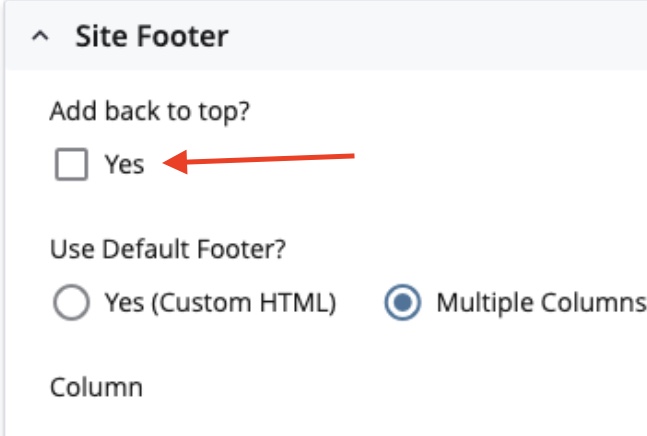
As part of Core v1.43, a back-to-top arrow was added to all web pages. This global, on-by-default option replaced the page-level opt-in that used to exist.

Clicking the back-to-top arrow will automatically take users to the top of the page.
While it's a useful tool, there are valid reasons to disable the back-to-top arrow from your website. For example, it takes up the same space where a chatbot icon might be placed.
Our team can help work around scenarios like the chatbot icon, but if you want to disable the back-to-top arrow across your website, there's a way to do it.
Disabling the back-to-top arrow
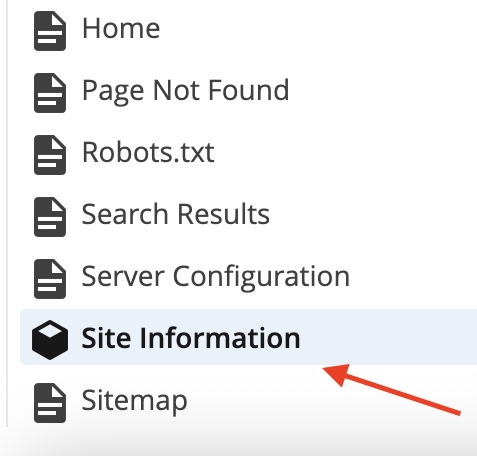
To disable the back-to-top arrow, right-click the Site Information block in the Site Content sidebar and select Edit.
In the Edit window, scroll to the bottom and open the Site Footer dropdown.
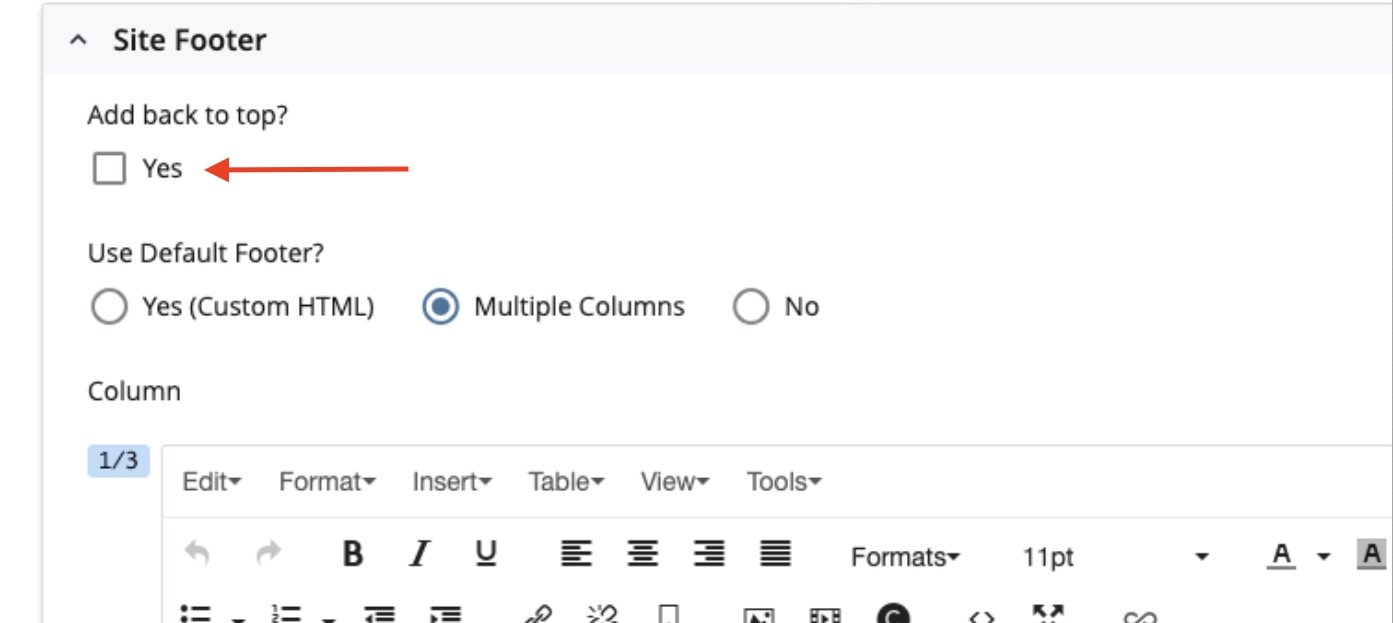
Uncheck the Add back to top? option, then click Submit.
Since you changed the site footer, which appears on every page, you will need to republish your entire site for the change to take effect.