

When creating a program page, there are certain questions that you need to ask yourself. Think of it like a checklist for your content.
- What action do I want the reader to take?
- What would a student learn in this program?
- What sets this program apart?
- What specific questions are readers looking to answer?
- What are the outcomes for this program?
- What are the program requirements to apply?
It's not a one-to-one list that covers every scenario, but these are essential questions that will help you refine your content. We wrote before about the questions every prospective student asks; think of this list as a complement that seeks to answer those questions while going further into the purpose behind your content.
What action do I want the reader to take?
This should be your starting question, as it covers the overall goal of the page. In most cases, the goal is to get the user to apply for the specific degree or certificate program, but not always.
The goal could be to request more information or attend an info session. The copy should be formatted to lead the user to that desired action. It's a good idea to include visual cues to perform the action throughout the page. Best practices dictate peppering them throughout the page, typically formatted near the beginning, the halfway point and at the end of the page.
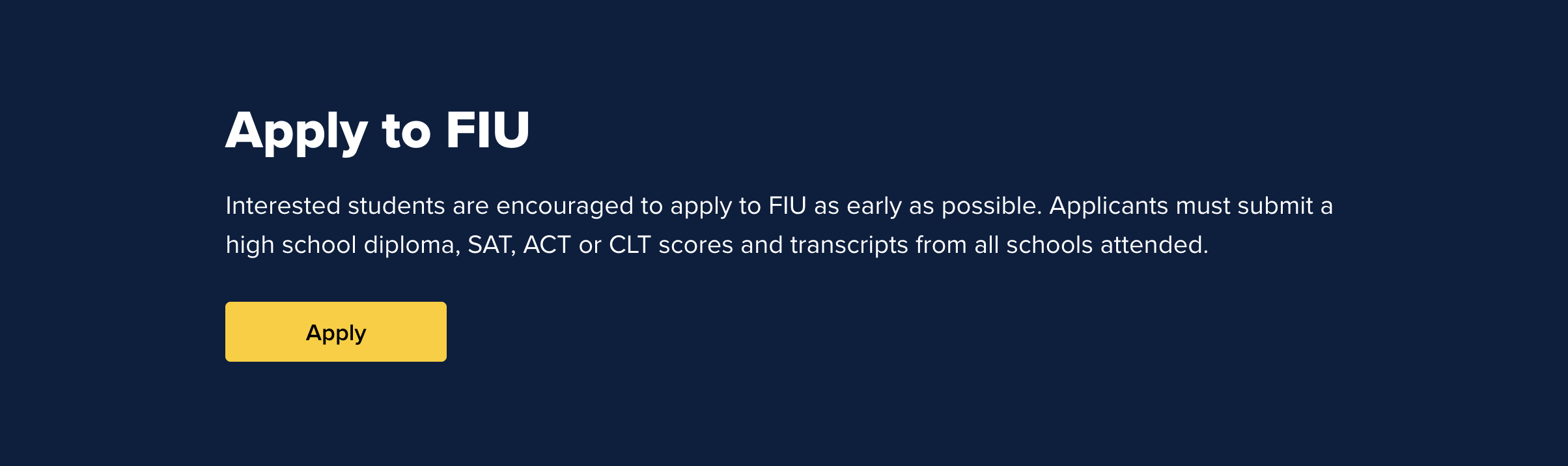
For the content itself, how we typically do this is to inform them of the general nature of the program, what they can expect and how this program distinguishes itself from others. The formatting allows for a call to action toward the end of the page, and the copy should be written so that, by the time the reader reaches that call to action, they feel they can make an informed decision.
What would a student learn in this program?
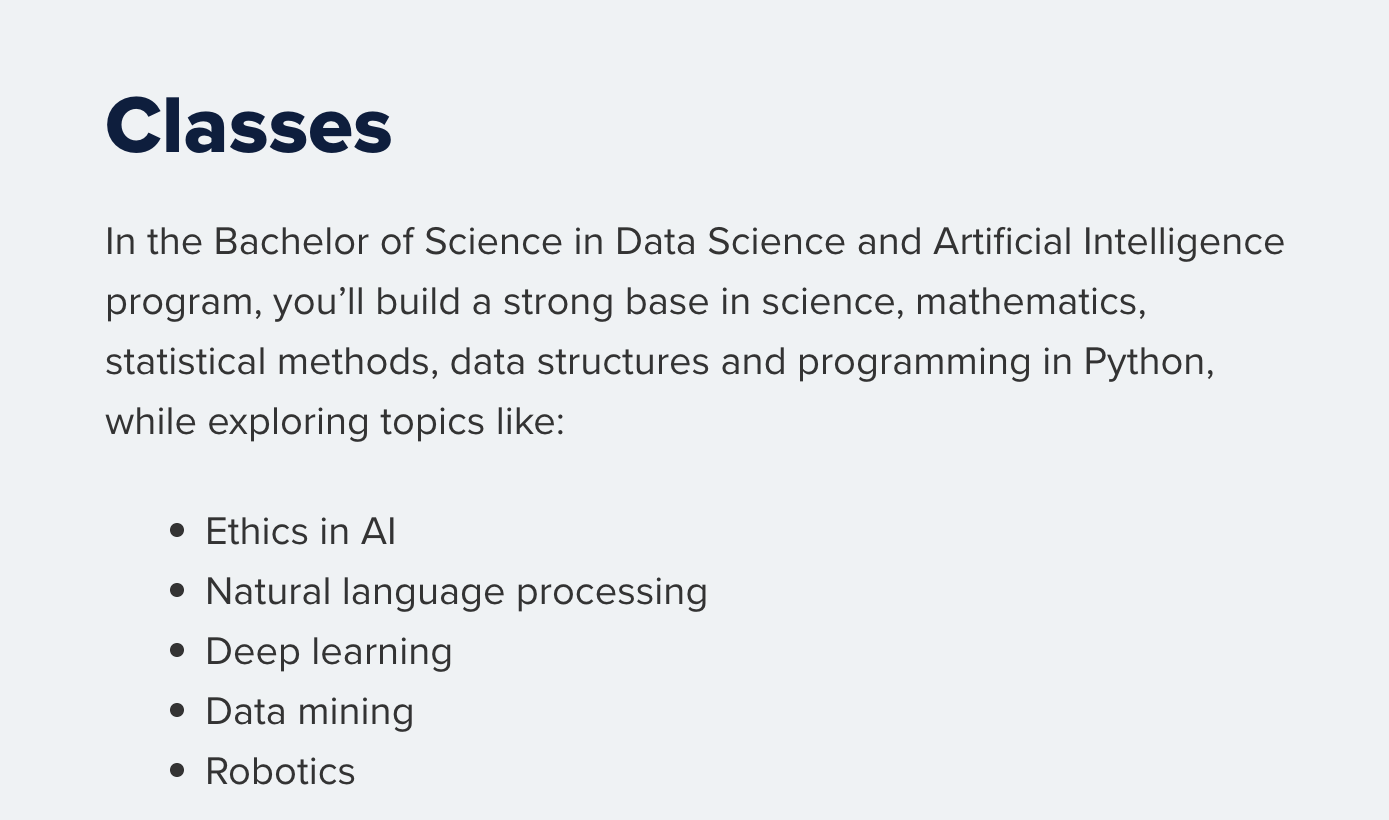
Now that we have the goal and format in mind, we can dive straight into the copy. It's recommended that you use a short and direct introduction that covers what type of degree program is offered. Keep in mind that AI often crawls the opening paragraph, so your introduction needs to be informative but to the point.
The dual benefit is that for a human reader, it wastes no time showcasing what they will learn. The copy following the introduction should dive straight away into the subject matter, showcasing the broad topics covered and how it applies directly to the corresponding degree.
What sets this program apart?
The reader needs to understand the unique benefits of the program offered. Following the introductory paragraph, we've found that a highlights section is the ideal way to showcase to both readers and AI why this program is different.
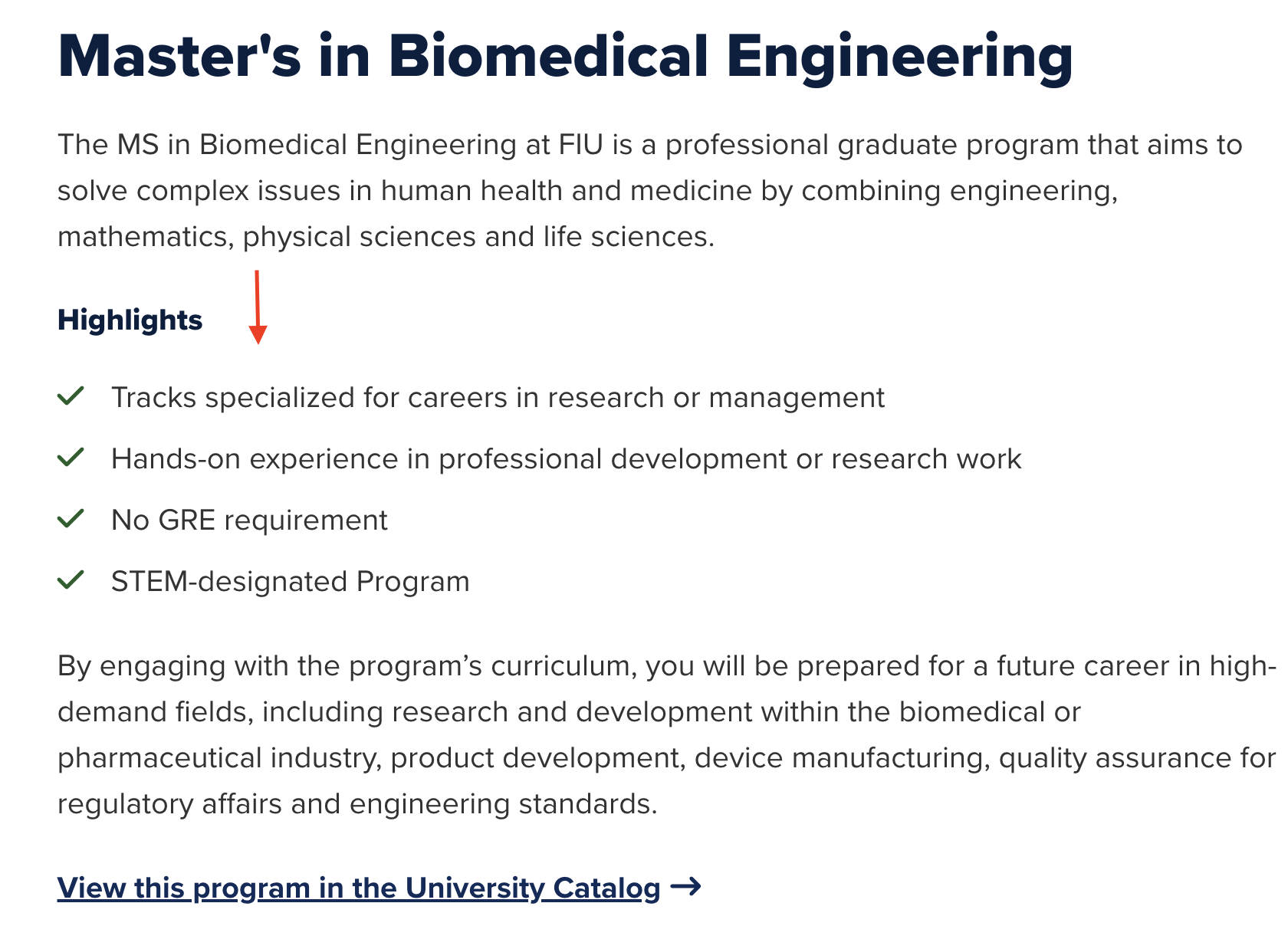
It's been proven that AI overviews gravitate toward lists, as the inherent format often looks for a way to quickly condense the information for the reader. Including this highlights section can effectively work as free advertising for anyone who did a cursory search of the program online, as AI overviews can easily take your list and copy it verbatim.
What specific questions are readers looking to answer?
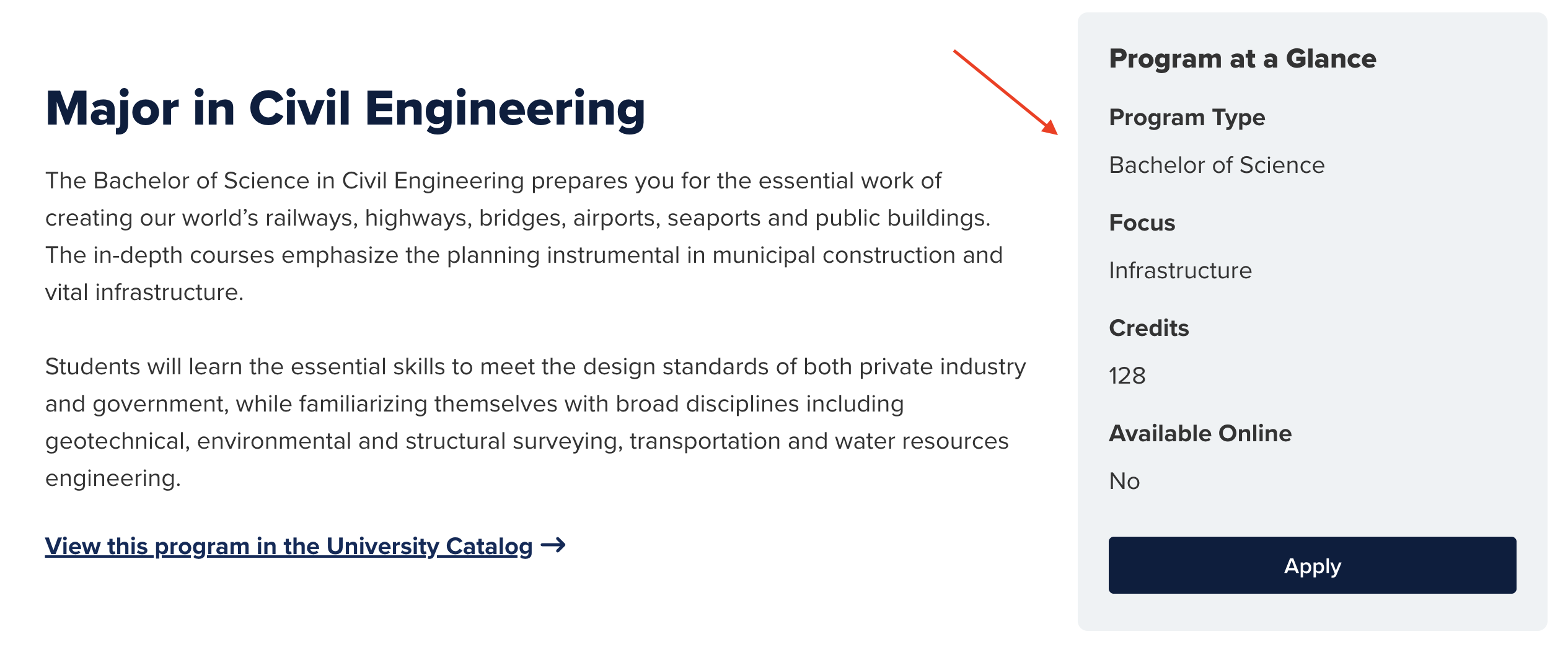
As you format your copy, you need to consider what specific information a site visitor would want immediately. Another feature we've found that helps the reader is to include a program at a glance section that sits alongside the introductory paragraph. The goal of this section is to give a quick list of relevant information. A few common questions that we've found are:
- How many credits to finish?
- How much does it cost?
- Is it available online, in person, or both?
- What does this major focus on?
- How long does the program take?
- Does this require GRE for acceptance?
- Does it require a thesis project to graduate?
You can include more, but these central questions are often what a potential student searches for in the copy, so showcasing that info where it's easily visible eliminates this common annoyance. If the information is too complex to put in a Program at a Glance, an FAQ with bulleted lists works as well.
What are the outcomes of this program?
After the copy has covered what students will study, the next logical question is "what will they do with this degree?"
This may require some research on your part, but because students are quickly becoming more career-oriented and ROI in how they choose majors, they'll naturally want to know what professions become available to them.
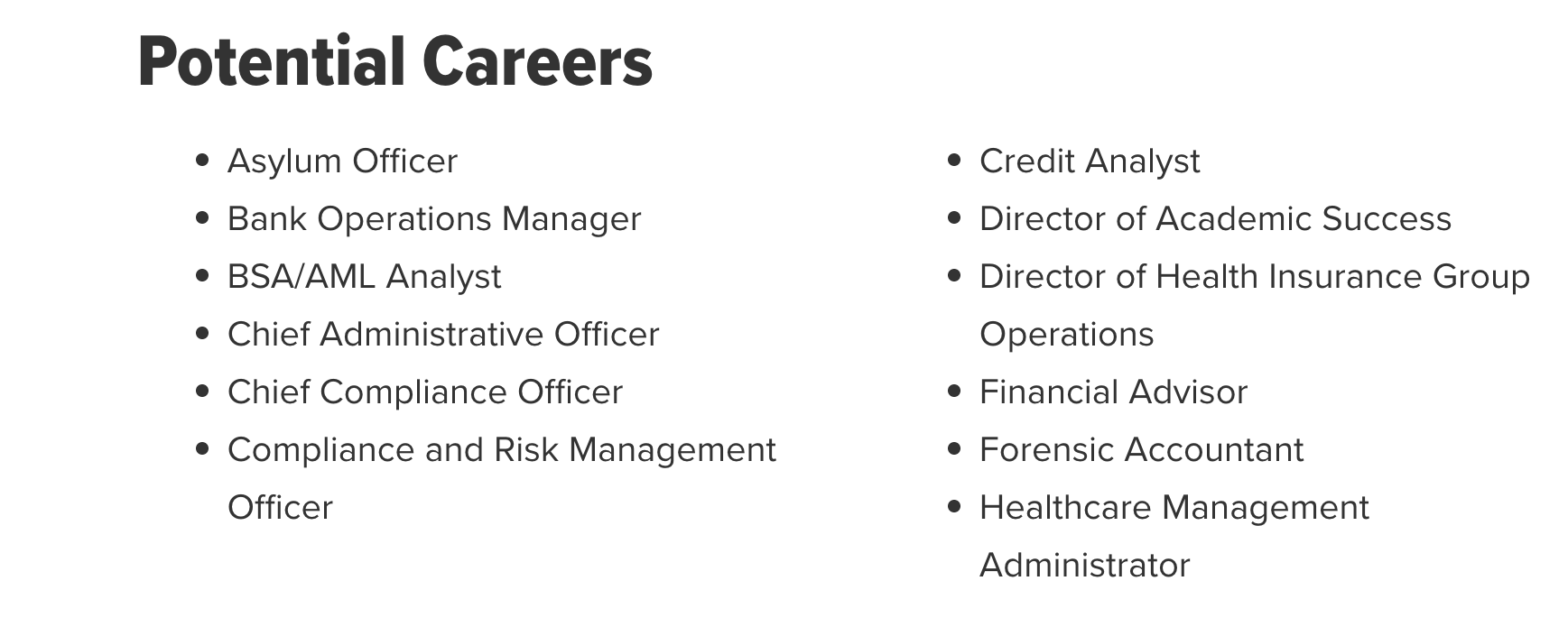
This doesn't have to be a complex map of where someone may work in the next twenty years, but it should contain enough detail that multiple career paths are listed. We want students to know that a college degree opens doors, but at the same time, we don't want to overwhelm them with a seemingly endless list of options. Limit the potential jobs to a handful but keep them diverse. Including the typical starting salaries and employment statistics is another excellent way to show students the potential ROI for the major. Some of this data can be view on O*Net Online or FIU MyMajor.
What are the program requirements to apply?
You've shown students what they'll be studying and what they'll do with that expertise, now guide them on what to do to apply.
This section is typically toward the end of the page and is more associated with graduate degrees. The information is no less vital for both AI and human readers, and it helps to once again present the information in a quick-to-follow list. We realize that requirements can sometimes be complex and difficult to summarize, so make sure to keep it in short and easy-to-scan paragraphs with lists.
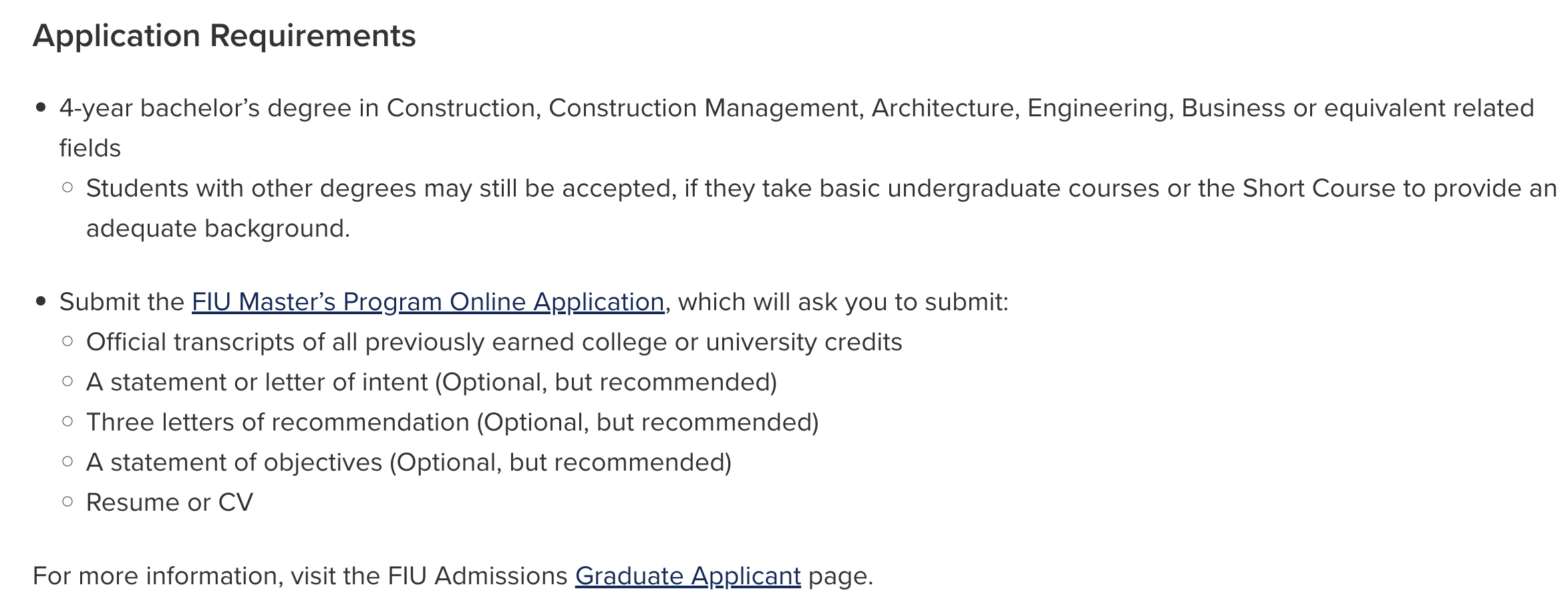
This is also where key differences come into play in graduate vs. undergraduate programs. Graduate programs inherently have more requirements, and those requirements can be parceled out through both the copy and the at-a-glance section.
This section can also be where you inform prospective students about the different tracks or corresponding programs. If there is an accelerated major that naturally pairs with the program, linking to it will help any first-time reader better understand the program options available.
As this information typically comes toward the end of the page itself, it's the perfect time to include the call to action. After all, you've shown students what they'll learn, what they can do upon graduating and what they need to be accepted. They are primed to apply, so make that option as prominent as you can. You've hopefully given them the exact information they need to make their decision, so now is the natural time to offer them that opportunity.
Going beyond the initial questions
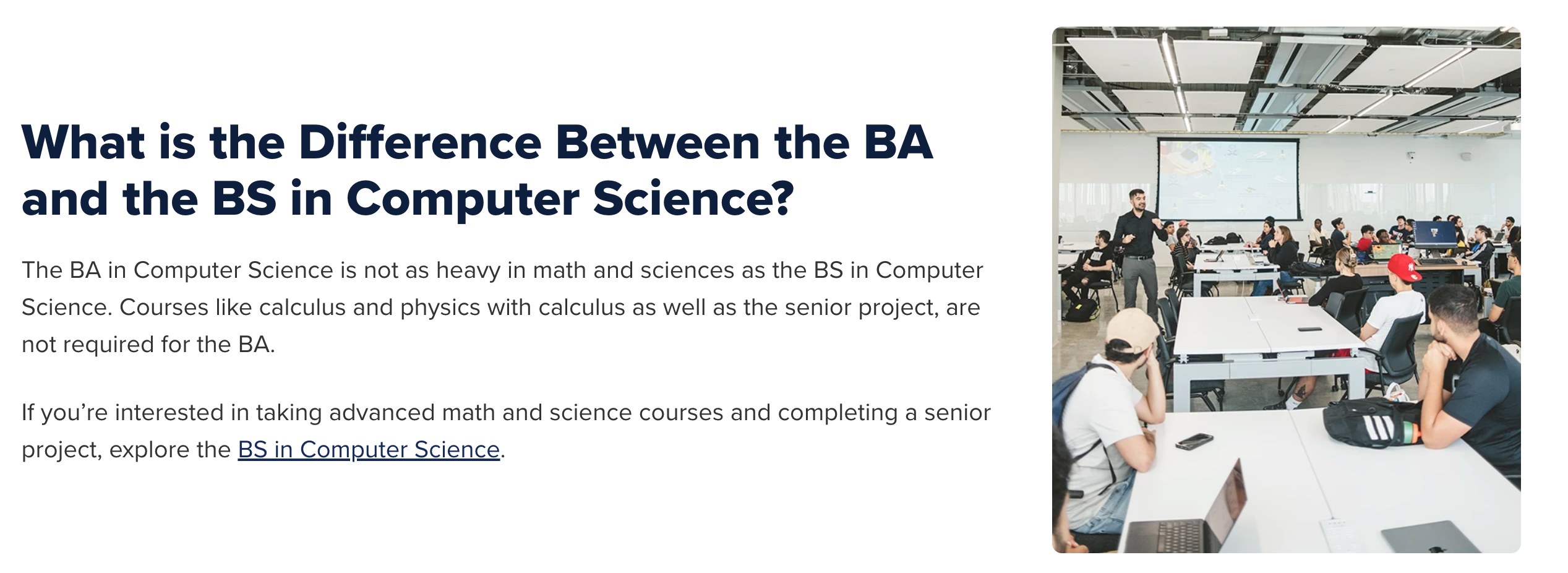
We've reviewed how we typically format a page and what content to expect, which means you have an opportunity to make your program page stand out. Put yourself in the place of a student reading this page and ask yourself, Why do they want to major in this field or discipline? What would make you apply if you were the one reading this page? What questions might I have after reading this? An example from our work in CEC is the BA in Computer Science. We realized that the average person didn't know the distinction between a BS and a BA for this program, so it was an easy choice to include a section that offered that exact information.
There are plenty of other ideas you can explore to make your page stand out. You can link to relevant minors or discuss the complementary accelerated degree programs. Why not feature clubs that are closely associated with the major?
The main idea to take away from all this is that while you should pay attention to the basics of what a program page needs, making it stand apart from others is up to you. Even if we rely on AI to inform students, we have to constantly challenge ourselves to create content that is helpful to the next generation of students. Whether it's through your visual design or your copy, putting your creativity on display will help potential applicants understand why FIU should be their first choice.