
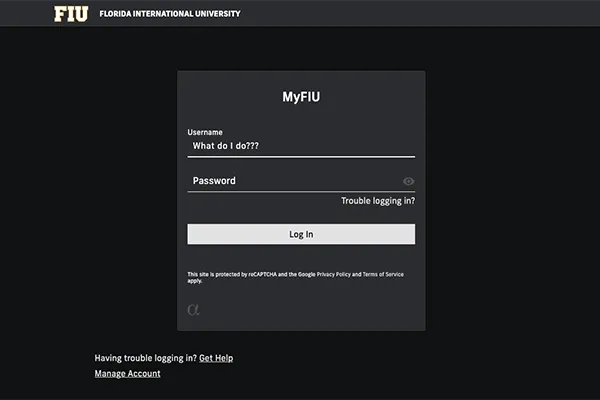
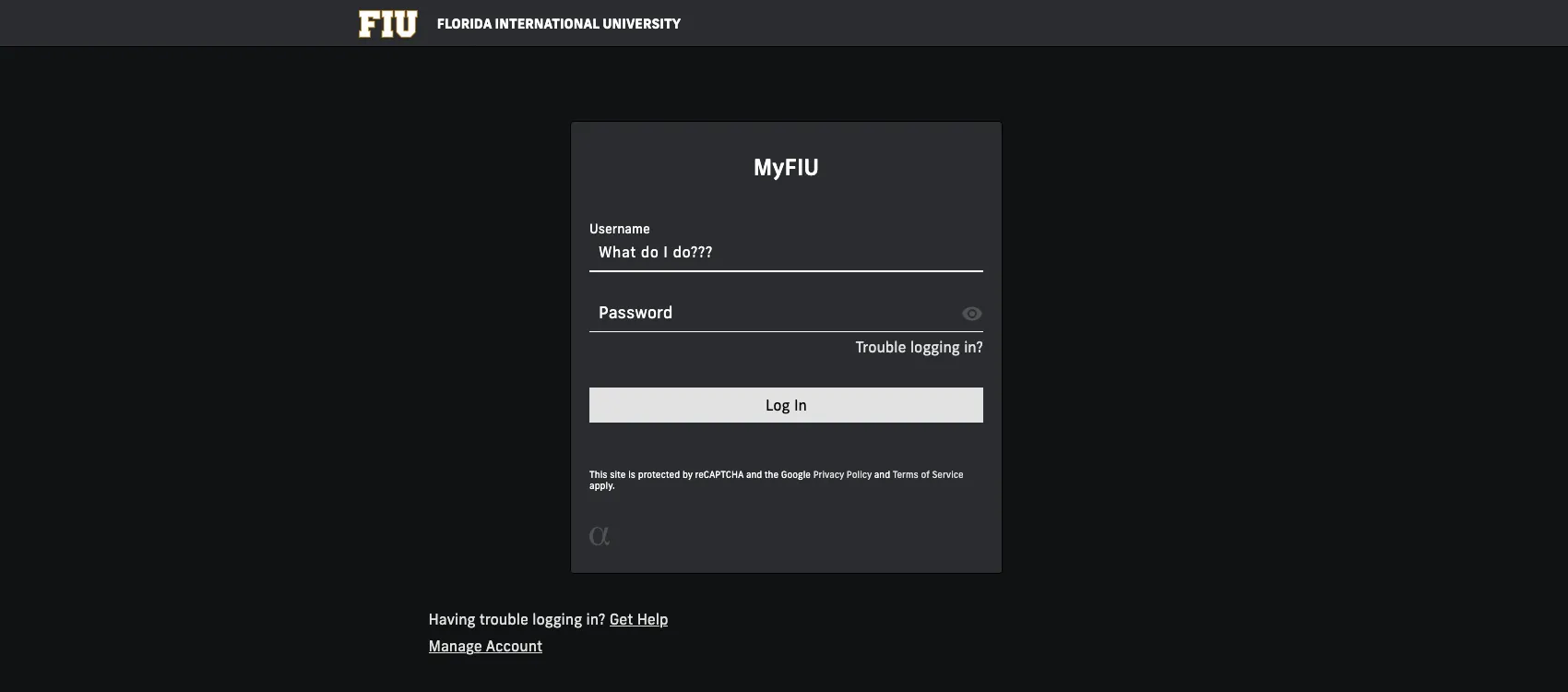
Whether it’s your first time logging in to Cascade or you suddenly can't access the system, here are the most common reasons for login issues and how to solve them:
1. You might need to be added to Cascade
With Cascade, your account doesn’t get created when you first try to log in like some other FIU services. You’ll need to contact the Office of Digital Communications to set up your account. Be sure to include your full name, email and academic unit when you message us.
2. You may be entering your username incorrectly

Make sure when you’re logging in to Cascade you are only using the username portion of your FIU email, not the entire email address (your email without @fiu.edu).
For example, if your email address is digicomm@fiu.edu, only use “digicomm” as the username. Always use lowercase for usernames, and remember, your password is case-sensitive.
3. You may be logging in with your student account
If you have access to multiple accounts (like an employee and student account), you must log in with your employee account. Logging in with your student account may cause an error and redirect you to this page.
4. You may have been locked out of your FIU account
Any time you change your FIU account password, FIU IT recommends that you update the login information on all of your devices (i.e., stored password for your email, Wi-Fi, etc.) to avoid getting locked out of your account.
If you believe you may have been locked out of your account, you can reach out to FIU IT at 305-348-2284 or visit the AskIT website.
5. You may have been locked out of Cascade after a change in employment
If your employment status at FIU has changed, you may have been locked out of Cascade. Some common scenarios are:
- You were a student employee and are now a full-time employee
- You used to work at the university and have recently returned to work FIU
If you think this might be the issue, please reach out to us at digimaint@fiu.edu.
Still not working?
After going through these steps, if you are still having issues, you can reach out to the Digital Communications team at digimaint@fiu.edu. Please include a screenshot of the login error in your message.